Image to Vector,
Perfected.
Turn any image into clean, production-ready SVG vectors in seconds. Built for designers, makers, and creators who need reliable results.
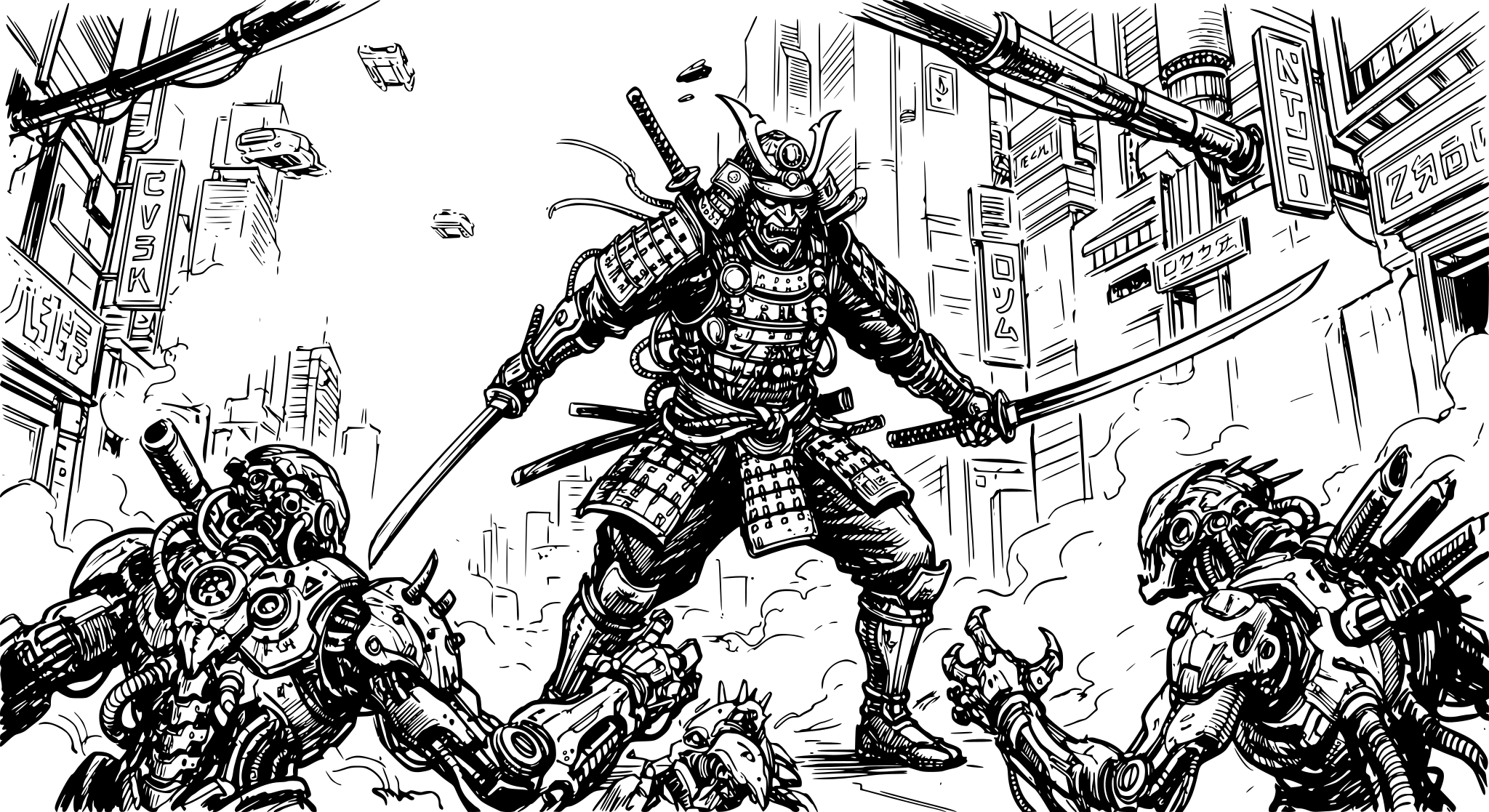
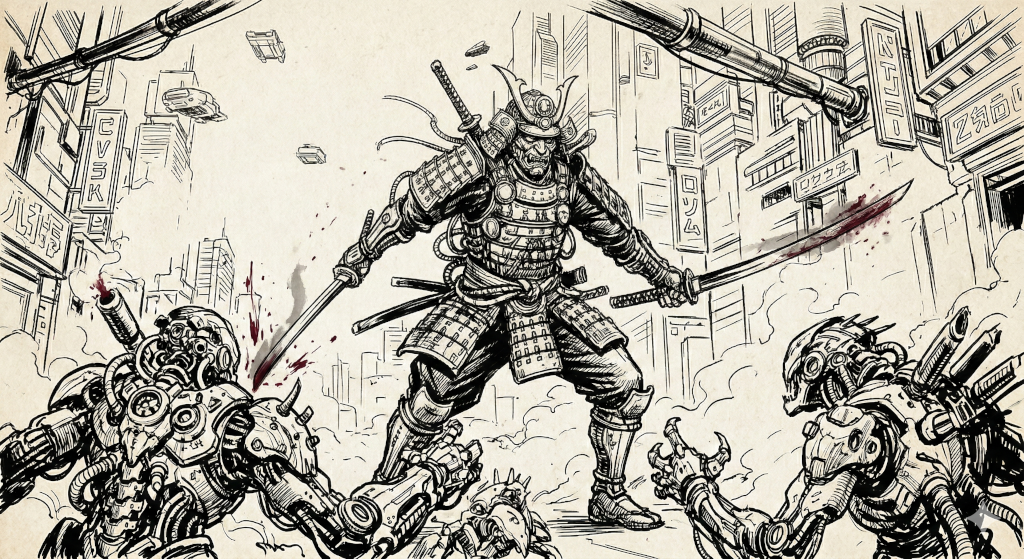
Ready to vectorize?
Drag and drop your JPG, PNG, or WebP file here. Max size 20MB.
to unlock all features
The Maker's Toolkit
Every tool you need to transform raw pixels into precision-engineered vector paths.
Built-in SVG Editor
Refine your vectors directly in your browser. Move nodes, adjust bezier curves, and change colors without leaving the app.
30-Second Processing
Our AI engine handles even the most complex illustrations in under 30 seconds. No queues, no batch delays.
Text to Vector AI
Generate unique logos and icons from text prompts. Describe what you need and get a production-ready SVG.
Curve Optimization
Automatic node reduction ensures your files stay lightweight and clean while maintaining absolute precision.
Built for Makers
Whether you're a CNC hobbyist, a print-on-demand pro, or a UI designer, Lineart.ink is tuned for your specific medium.
Endless Inspiration
Just type a description and get a production-ready SVG. Here are some real results.
Pricing for Every Workflow
Transparent, simple, and scaled to your needs.
Credit Packs
No subscription required. Credits never expire.
Starter
1,000 credits
Growth
4,000 credits
Professional
12,000 credits
Max
25,000 credits
Subscriptions
Best value for regular use. Credits renew every month.
Free
Perfect for getting started with small projects
- 100 credits on sign-up
- Normal & High quality
- Priority Processing
Basic
500 credits/month
$44.10/yr
- 500 credits/month
- Normal & High quality
- Standard SVG Export
- Priority Queue Processing
Standard
1,850 credits/month
$89.10/yr
- 1,850 credits/month
- Normal & High quality
- Full Editor Suite
- Priority Queue Processing
Pro
12,900 credits/month
$404.10/yr
- 12,900 credits/month
- Normal & High quality
- Full Editor Suite
- Priority support
Frequently Asked Questions
What file formats are supported?
How accurate is the vectorization?
Can I use the results for commercial work?
Can I use the SVGs with Cricut, Silhouette, or laser cutters?
How does the credit system work?
Is my data private and secure?
Bring your ideas
to curve.
Join 1,500+ creators who trust Lineart.ink for their highest-stakes vector projects.