One Upload, Not Six Steps Laser-Ready SVG
Client sent a blurry JPEG? Get a clean vector for LightBurn, Glowforge, or xTool in seconds. No Inkscape. No Photoshop. No Fiverr.
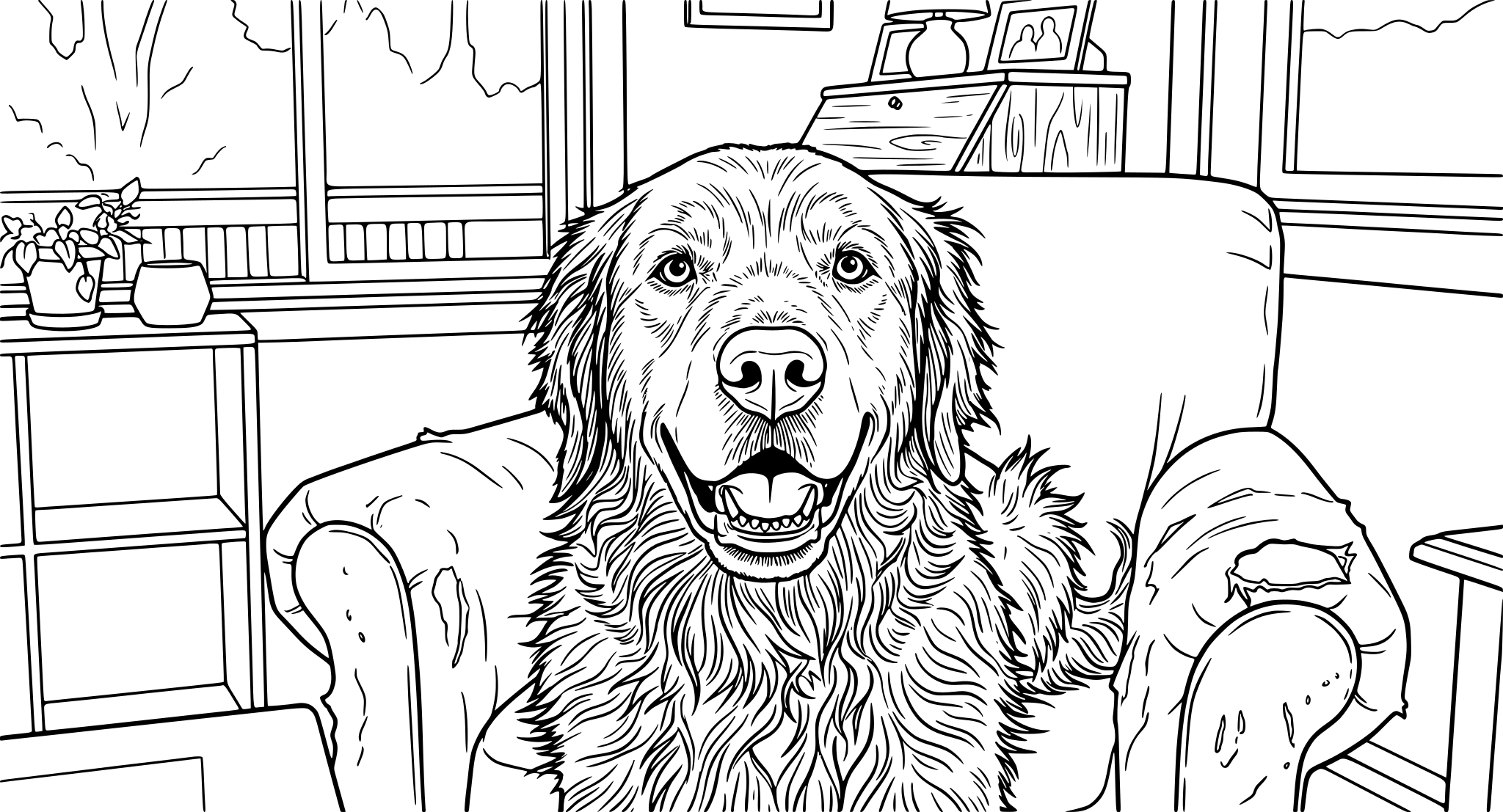
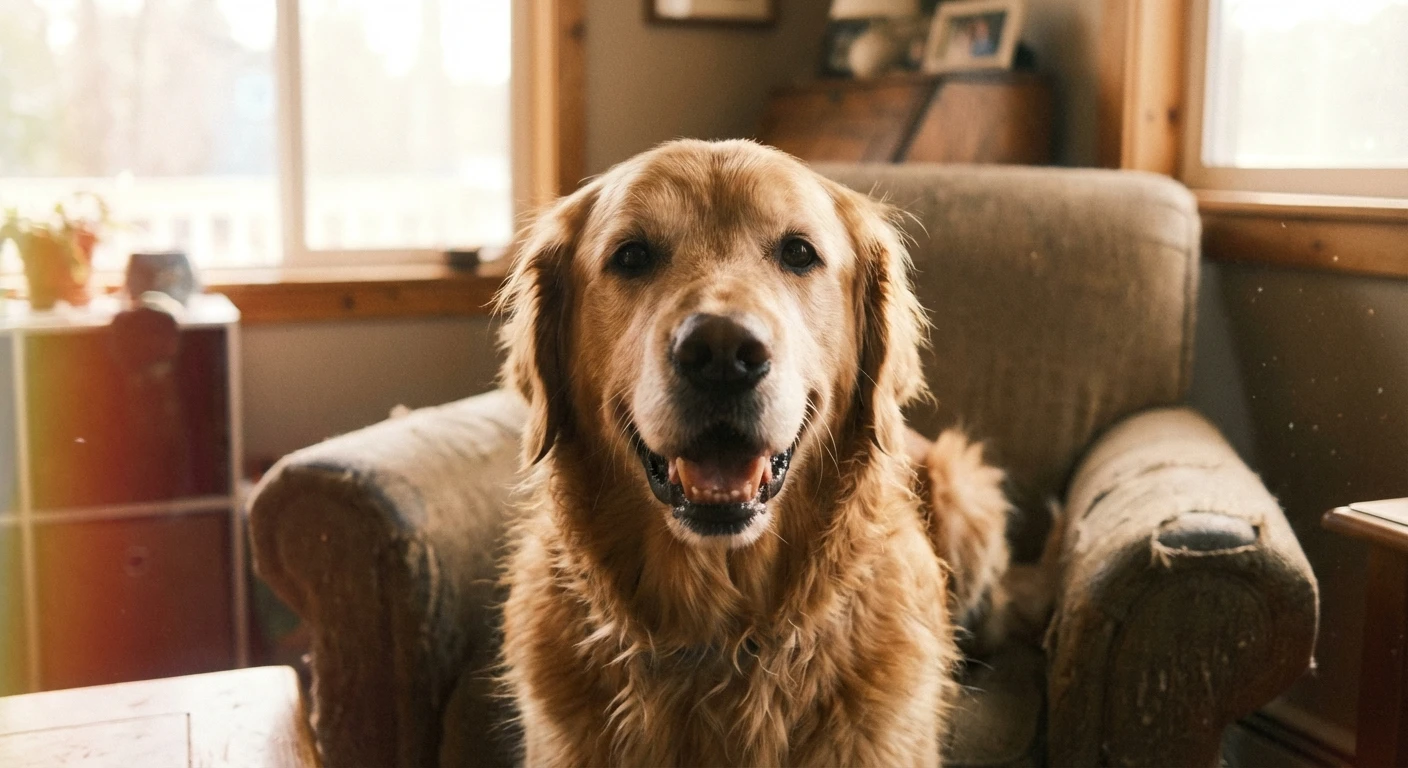
Ready to vectorize?
Drag and drop your JPG, PNG, or WebP file here. Max size 20MB.
to unlock all features
What Laser Users Make With It
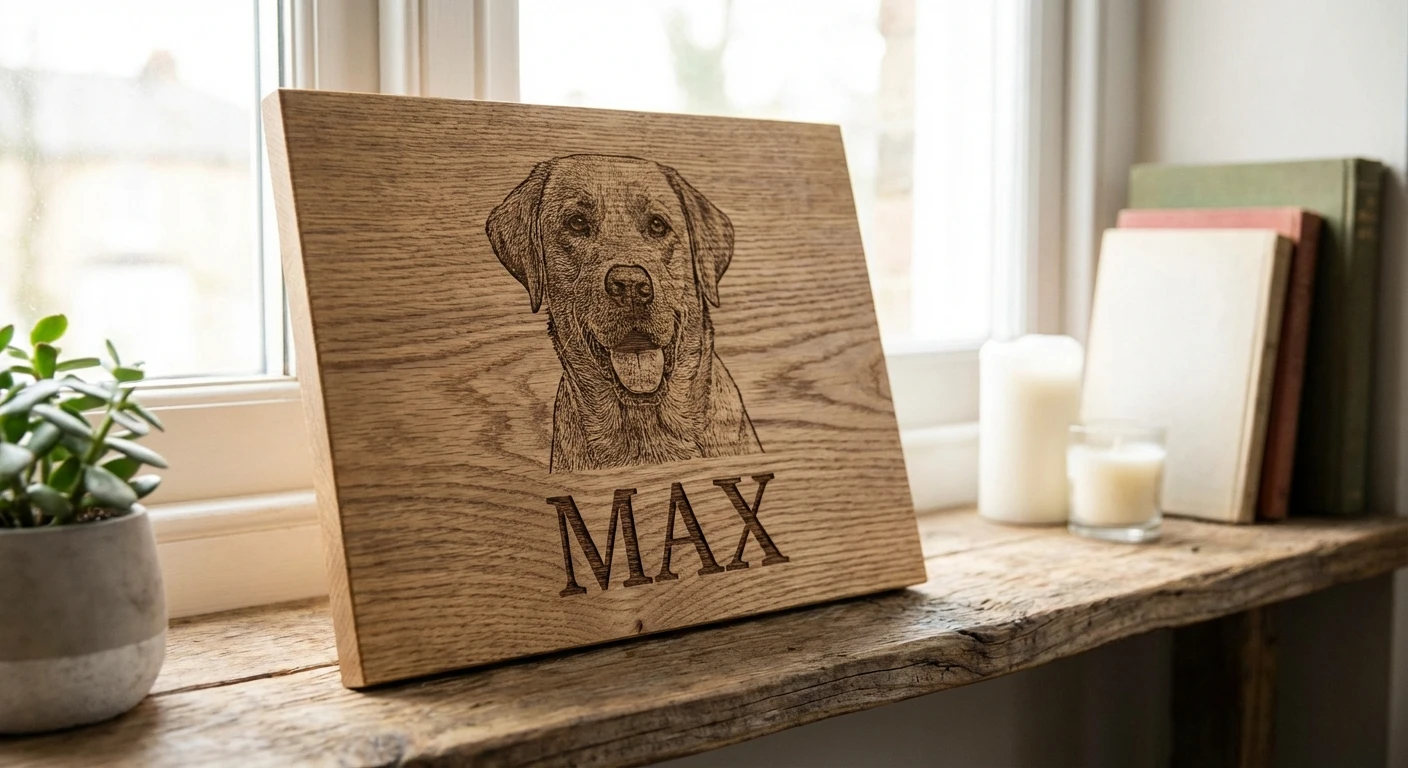
Pet Memorial Plaques
Convert a customer's pet photo into clean line art for engraving on wood, acrylic, or slate memorial plaques.
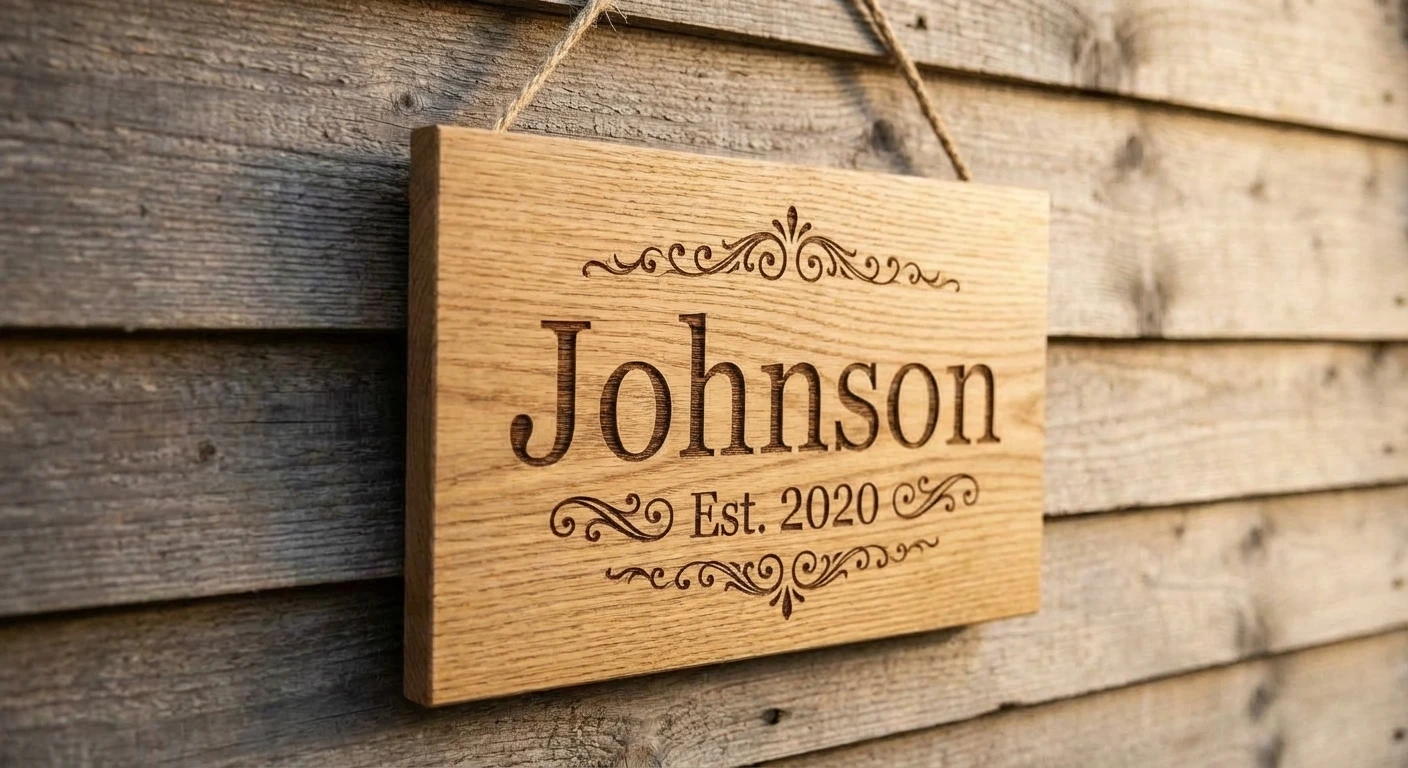
Custom Wood Signs
Turn family names, wedding dates, or quotes into engravable vectors for farmhouse signs and wall decor.
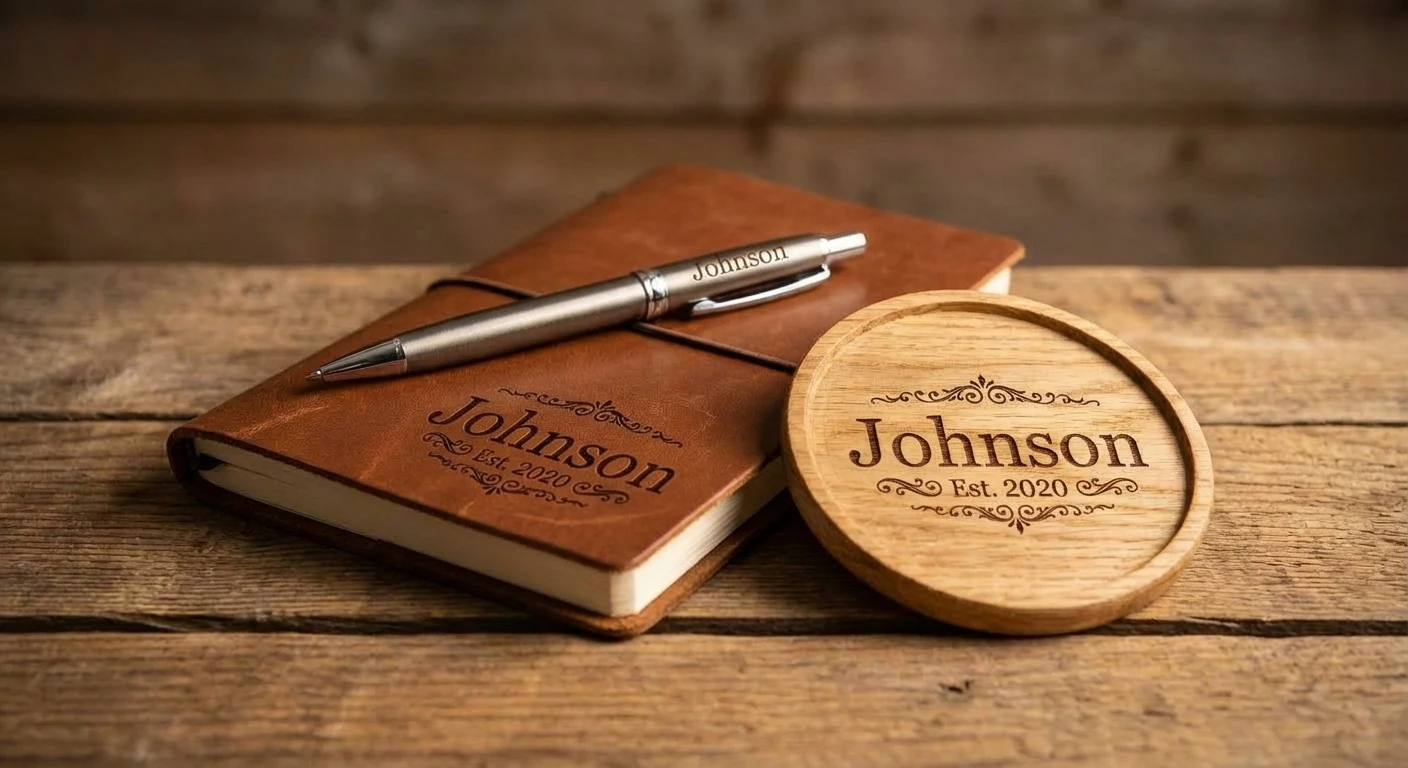
Branded Products
Convert company logos from low-res website images into clean vectors for engraving on pens, keychains, and corporate gifts.
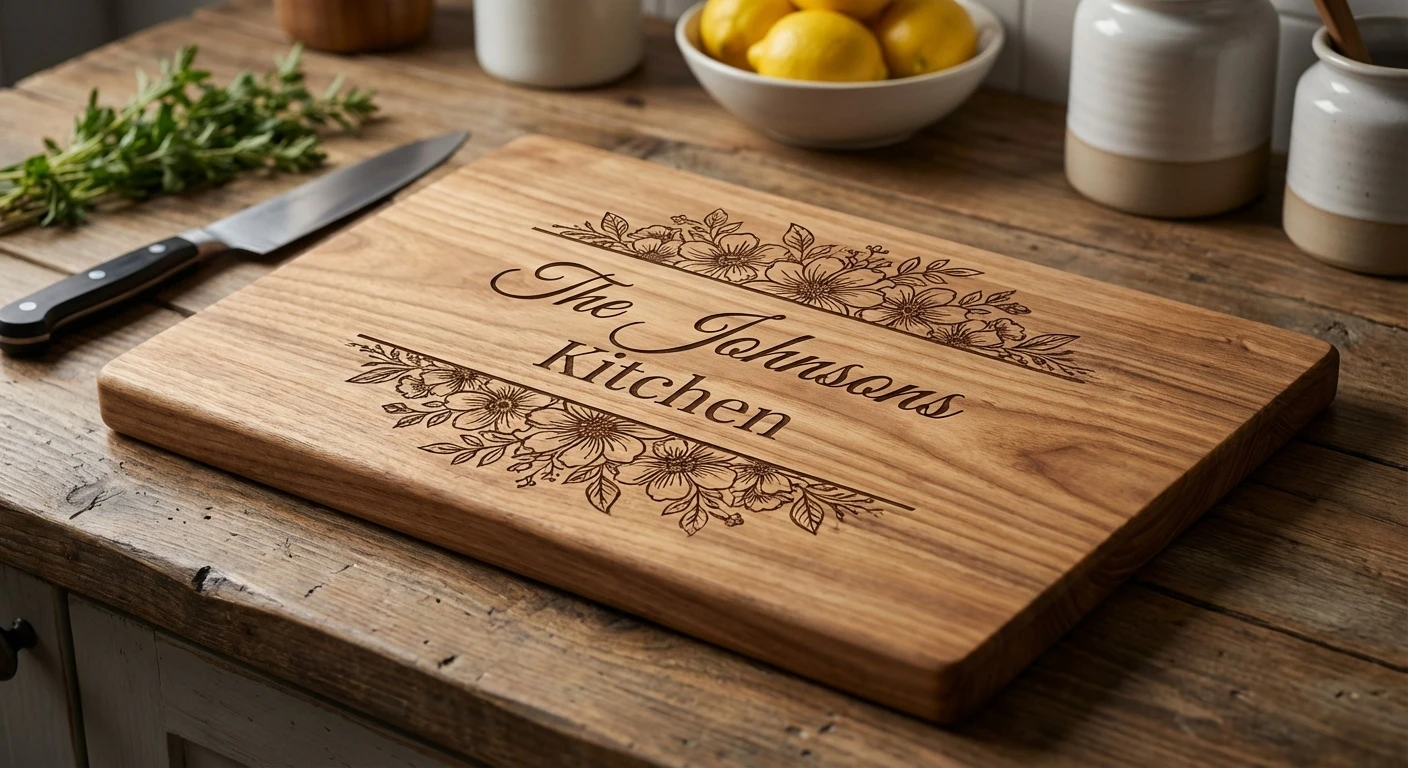
Cutting Boards & Gifts
Create custom cutting boards, coasters, flasks, and jewelry boxes from photos and artwork.
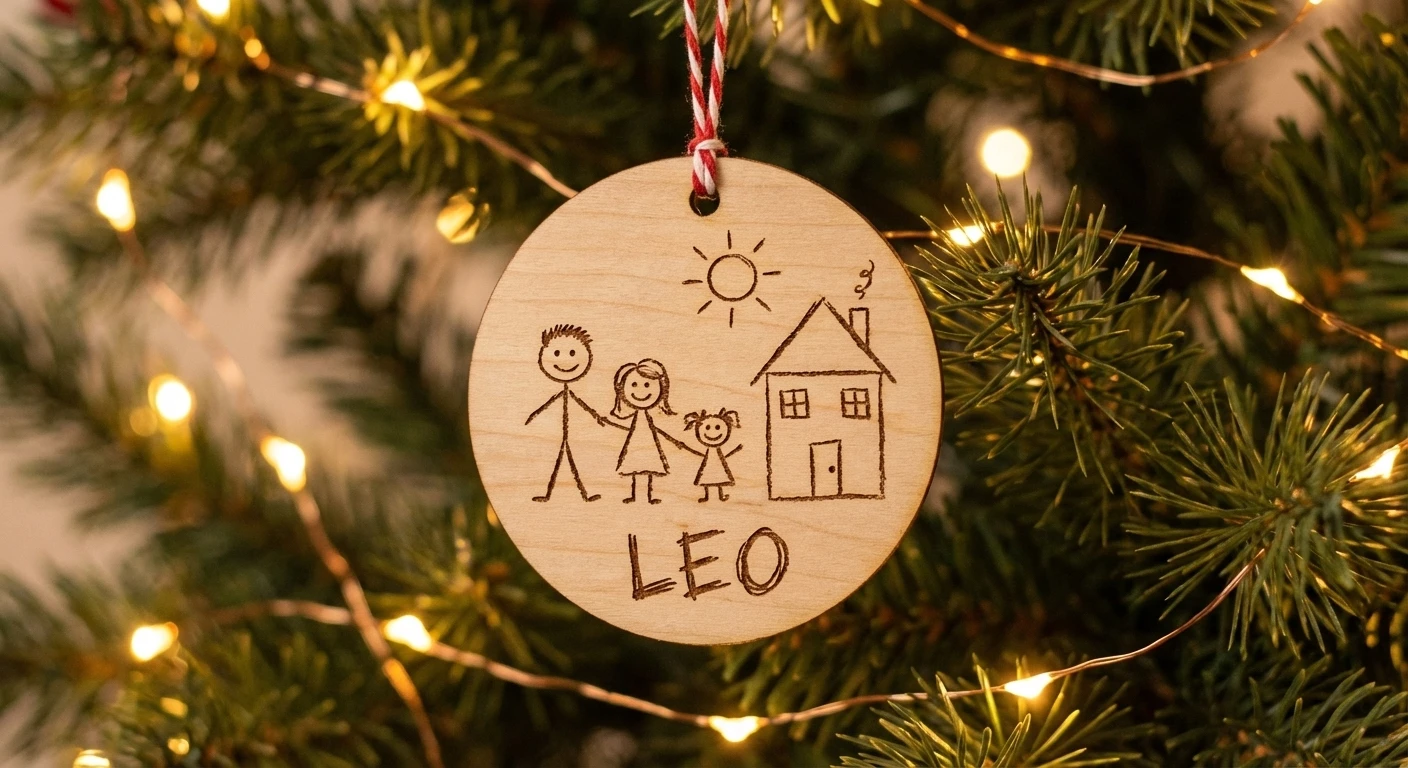
Children's Art Keepsakes
Engrave a child's drawing onto a wooden plaque or ornament. A favorite for grandparent gifts.
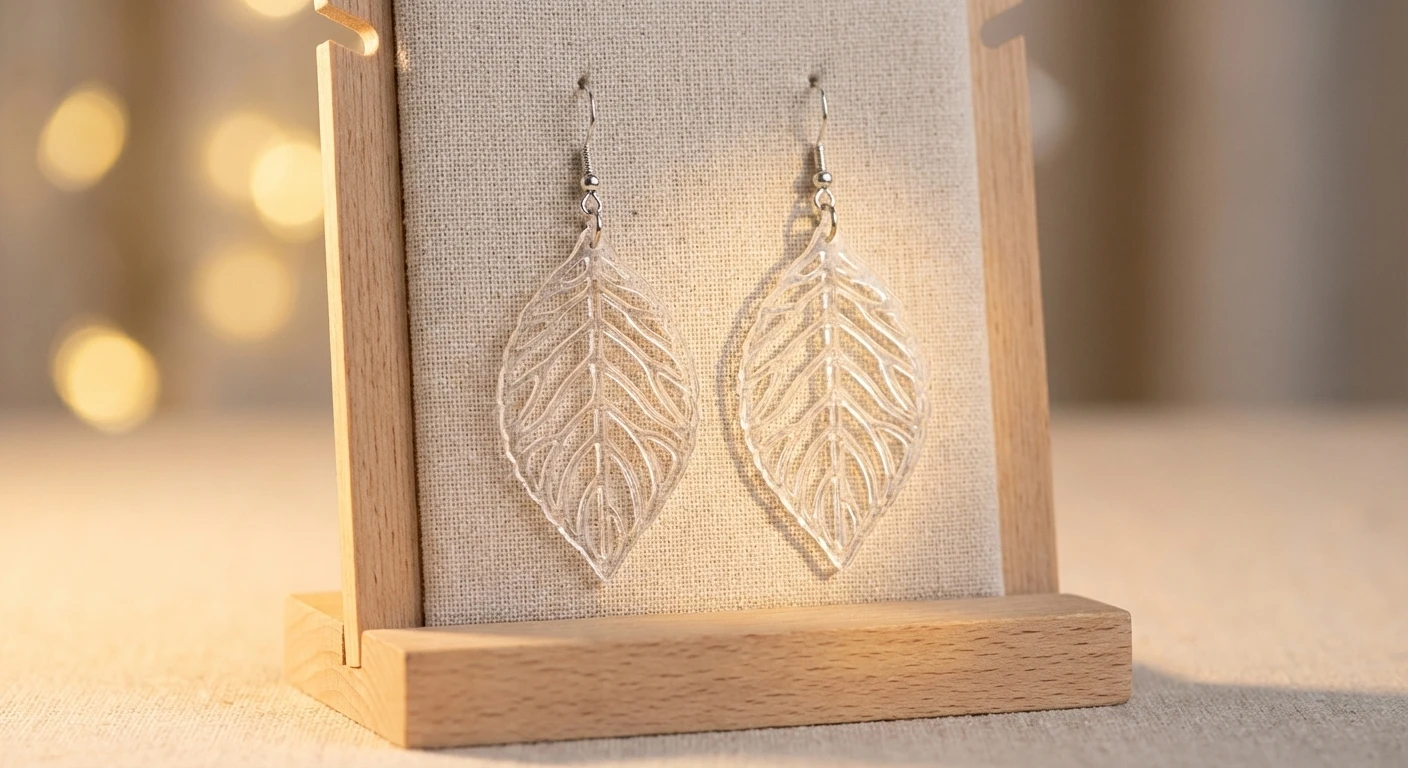
Acrylic Jewelry & Decor
Cut intricate earrings, pendants, ornaments, and window hangings from fine-line vector patterns.
Skip the Multi-Step Workflow
- Open in Photoshop, convert to grayscale, sharpen
- Export high-res PNG
- Import to Inkscape, run Trace Bitmap
- Delete noise, simplify 10,000+ nodes
- Export as Plain SVG (not Inkscape SVG)
- Import to LightBurn, test on scrap
- Upload photo
- Open SVG in LightBurn
What Creators Say
"Pet memorials are half my business. Customers send phone photos and expect clean engravings. I used to spend 30 minutes per image in Inkscape. Now I upload and have a usable SVG in LightBurn before my laser finishes warming up."

Mike Brennan
Custom Engraving Shop, LightBurn User
"I make acrylic earrings and the text-to-SVG feature is perfect for generating new designs. I describe a pattern and get a clean vector I can cut immediately. Tripled my listings in a month."

Sarah Cole
Etsy Seller, Laser-Cut Jewelry
"Clients send me logos as tiny JPEGs from their website. Every other tool I tried produced garbage from those files. This actually gives me something engravable without redrawing the whole logo in Illustrator."

David Nguyen
Glowforge Owner, Corporate Gifts
Or Just Describe What You Need
Type a description and get a ready-to-use SVG. No image upload needed.
Frequently Asked Questions
Will the SVG work with LightBurn, Glowforge, or xTool?
How is this better than Inkscape Trace Bitmap?
Can I convert a client's phone photo into an engravable vector?
Does it work for both engraving and cutting?
What about the node count? Will it slow down my laser?
Is this cheaper than paying someone on Fiverr?
Can I generate designs from text instead of uploading a photo?
Pricing for Every Workflow
Transparent, simple, and scaled to your needs.
Credit Packs
No subscription required. Credits never expire.
Starter
1,000 credits
Growth
4,000 credits
Professional
12,000 credits
Max
25,000 credits
Subscriptions
Best value for regular use. Credits renew every month.
Free
Perfect for getting started with small projects
- 100 credits on sign-up
- Normal & High quality
- Priority Processing
Basic
500 credits/month
$44.10/yr
- 500 credits/month
- Normal & High quality
- Standard SVG Export
- Priority Queue Processing
Standard
1,850 credits/month
$89.10/yr
- 1,850 credits/month
- Normal & High quality
- Full Editor Suite
- Priority Queue Processing
Pro
12,900 credits/month
$404.10/yr
- 12,900 credits/month
- Normal & High quality
- Full Editor Suite
- Priority support
Stop Paying Fiverr Per Image
Upload a photo, get a laser-ready SVG. 100 free credits, no credit card.