Stop Tracing, Start Tattooing
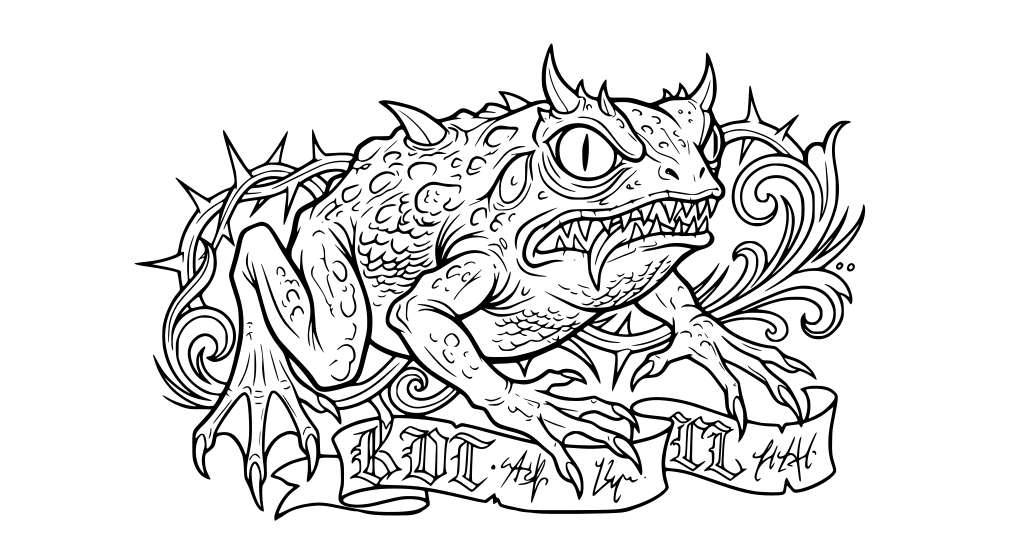
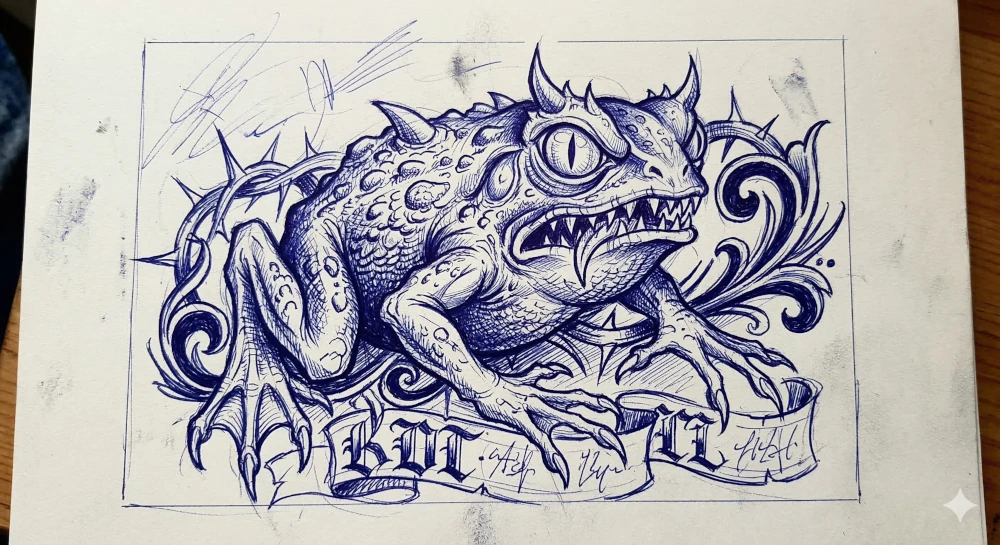
Turn any reference photo into clean stencil-ready line art. SVG that scales to any size, prints on any thermal printer. Works with walk-ins.
Ready to vectorize?
Drag and drop your JPG, PNG, or WebP file here. Max size 20MB.
to unlock all features
What Artists Use It For
Client References
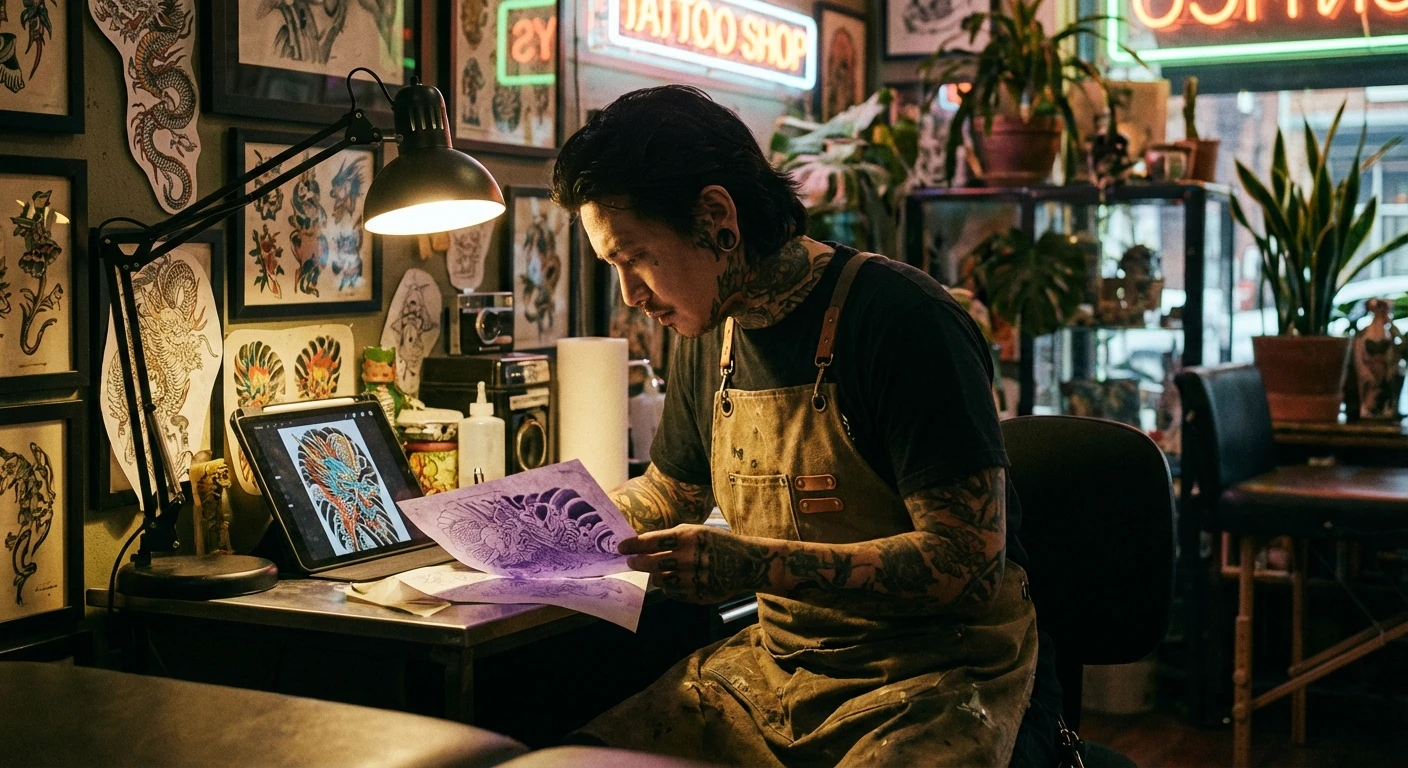
Client brought a blurry Pinterest screenshot? Upload it and get clean line art for the thermal printer in seconds.
Sketch Cleanup
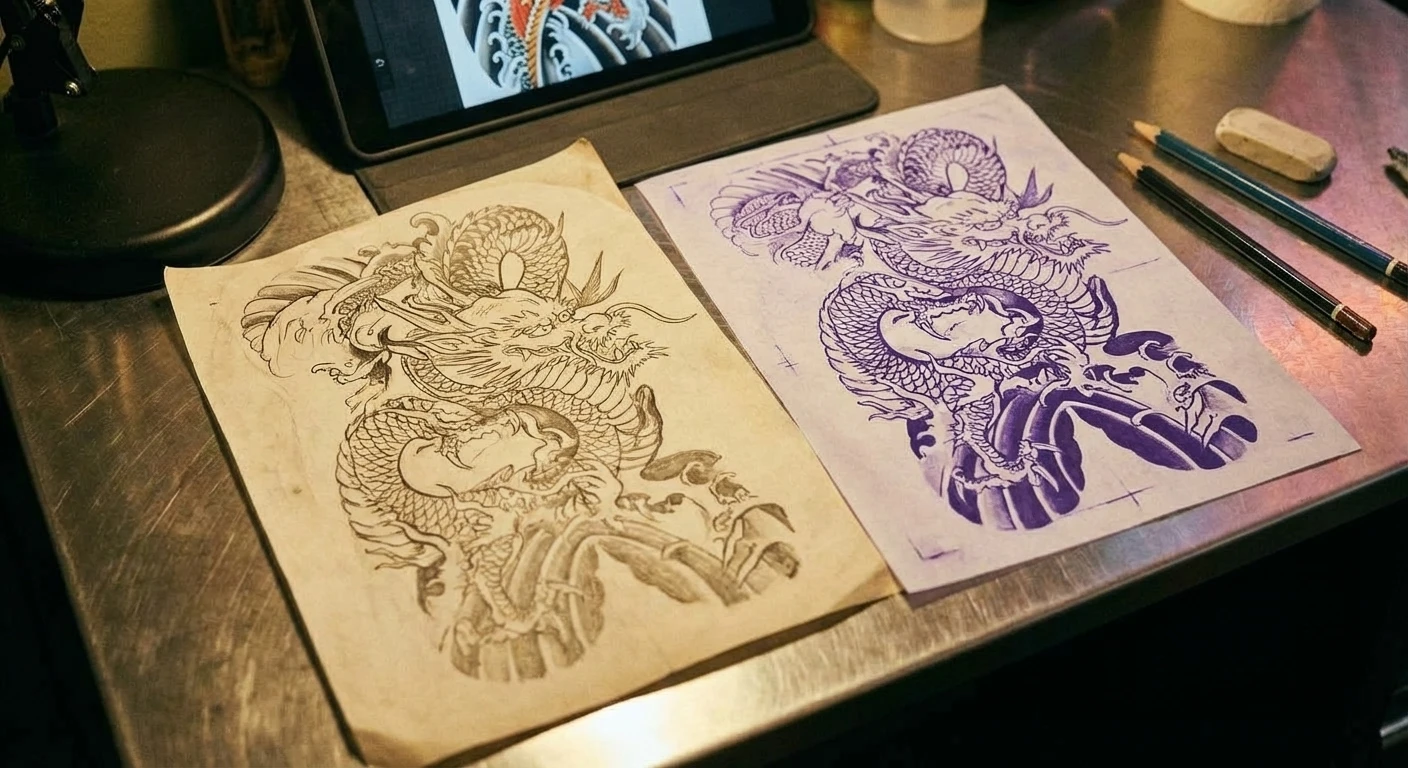
Turn rough pencil sketches into crisp, uniform line work. No redrawing digitally. Just photograph and upload.
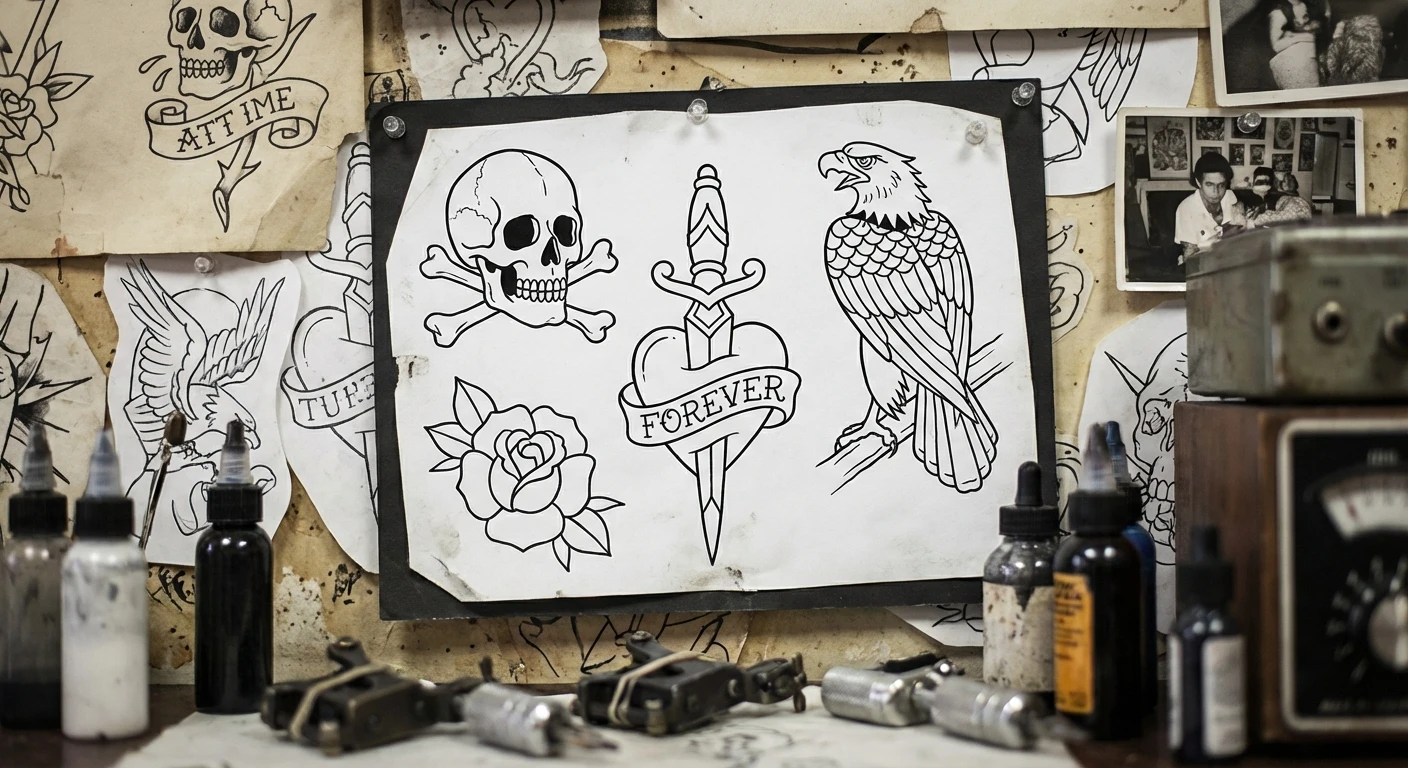
Flash Sheets
Generate or clean up flash designs fast. SVG output means every piece scales independently without pixelation.
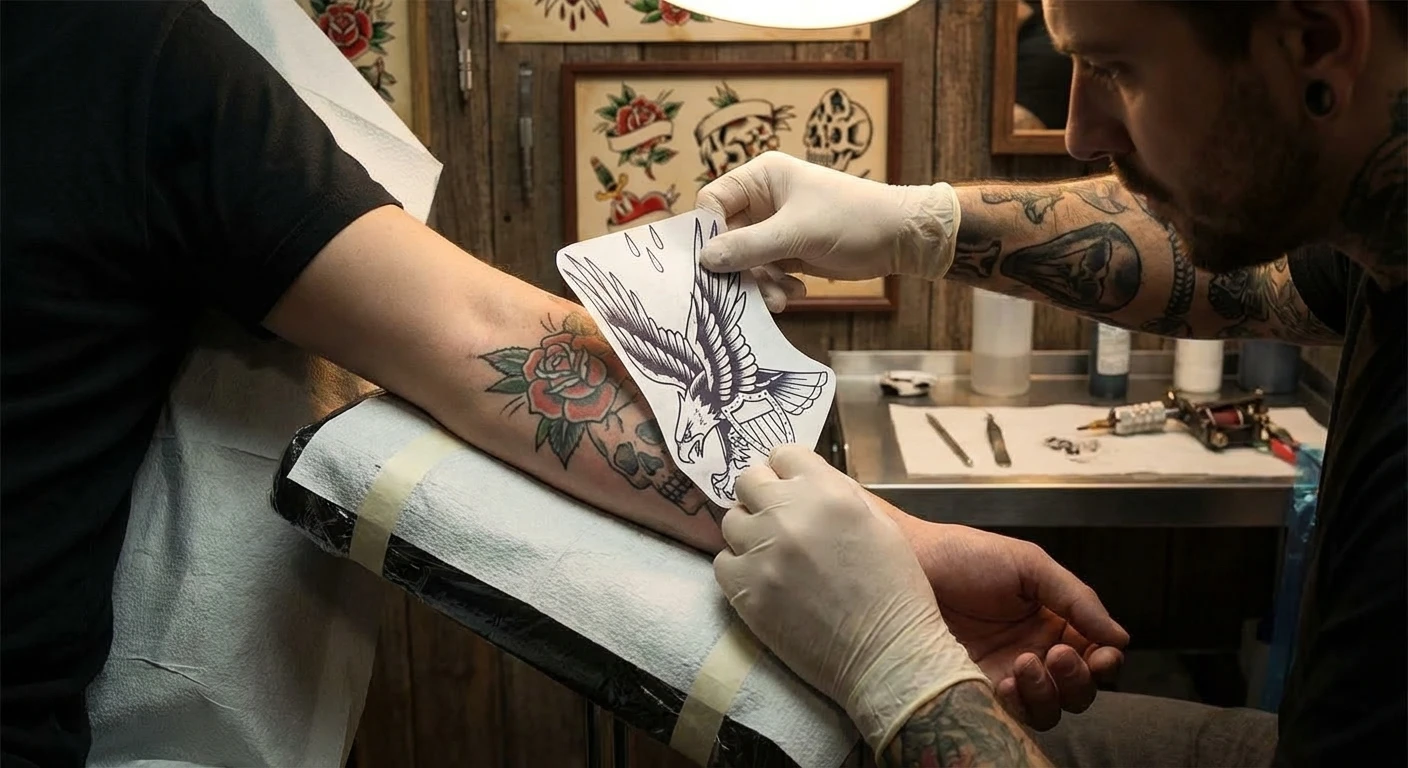
Cover-ups & Reworks
Convert photos of existing tattoos to line art as a starting point for cover-up designs.
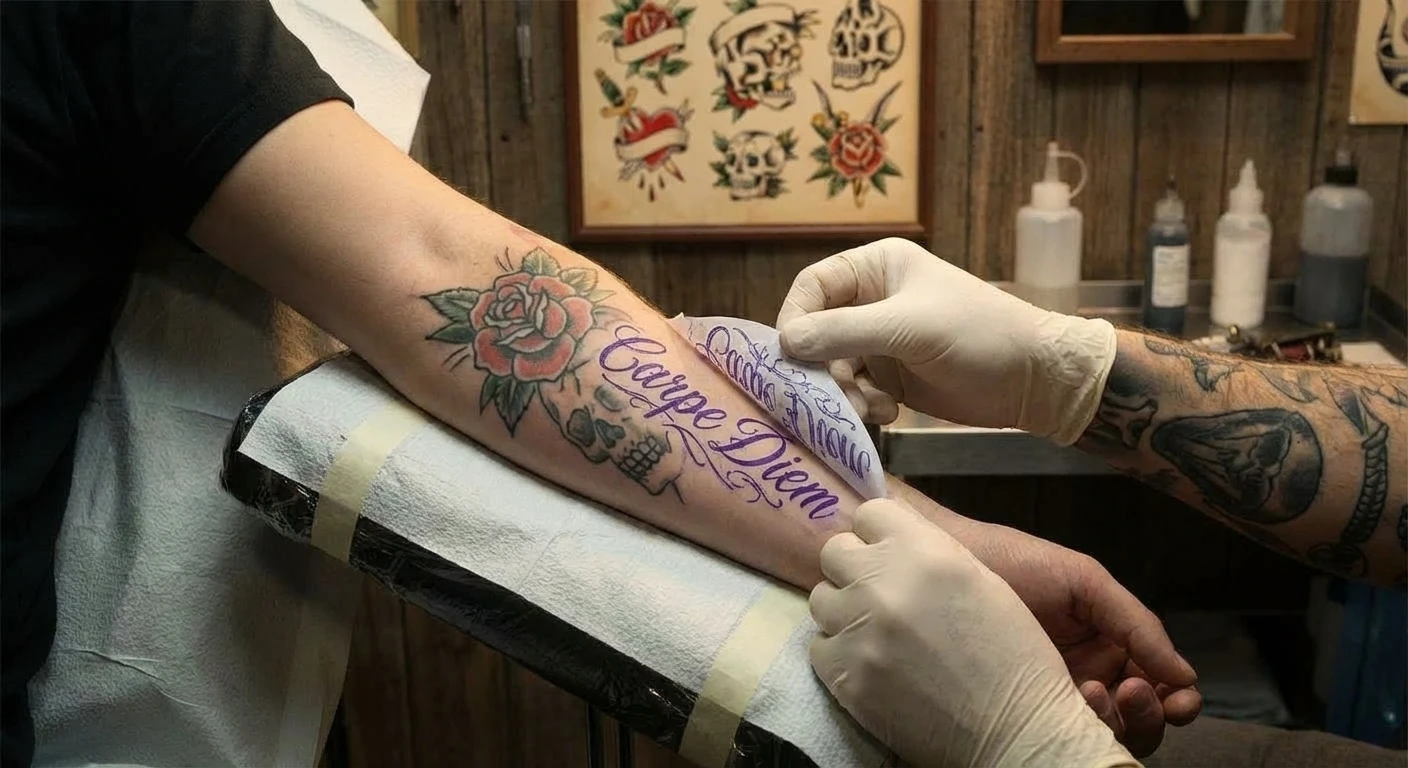
Custom Lettering
Generate script, blackletter, Chicano, or decorative lettering from text descriptions for custom pieces.
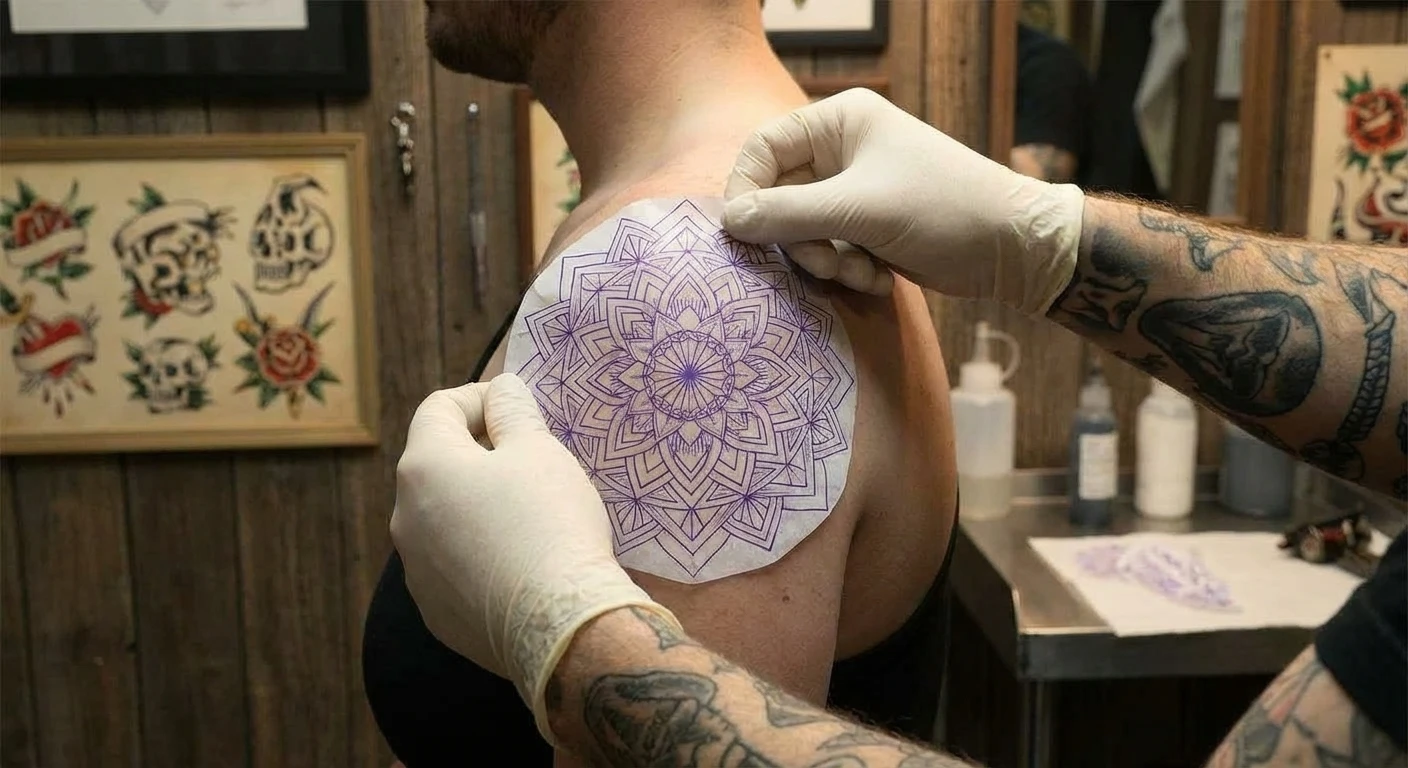
Geometric & Mandala
Precision symmetrical patterns where hand-tracing introduces wobble. Vector output keeps every line perfect.
Skip the Multi-Step Workflow
- Import reference to Procreate
- Reduce opacity, create new layer
- Manually trace with Apple Pencil
- Clean up lines, adjust weight
- Export and print on thermal paper
- Upload reference photo
- Print stencil
What Creators Say
"Walk-ins used to stress me out because stencil prep took forever. Now I upload the reference while the client fills out paperwork and the stencil is printing by the time they sit down."

Jake Rivera
Tattoo Artist, 8 Years
"Stencil prep was the hardest part of my apprenticeship. My mentor showed me this and it cut my prep time by 80%. I still refine in Procreate but the clean starting point saves me hours every week."

Nina Volkov
Tattoo Apprentice
"I do a lot of work from ukiyo-e references and old flash. Converting those into clean stencils by hand takes forever. The text-to-SVG is great for generating geometric and mandala patterns too."

Alex Tanaka
Japanese Style Specialist
Or Just Describe What You Need
Type a description and get a ready-to-use SVG. No image upload needed.
Frequently Asked Questions
Will the output work with my thermal printer?
How does it handle blurry client reference photos?
Is this better than tracing in Procreate?
Can I control line weight for different styles?
Can I generate designs from text descriptions?
Is this a replacement for drawing?
Do I need an iPad or any special software?
Pricing for Every Workflow
Transparent, simple, and scaled to your needs.
Credit Packs
No subscription required. Credits never expire.
Starter
1,000 credits
Growth
4,000 credits
Professional
12,000 credits
Max
25,000 credits
Subscriptions
Best value for regular use. Credits renew every month.
Free
Perfect for getting started with small projects
- 100 credits on sign-up
- Normal & High quality
- Priority Processing
Basic
500 credits/month
$44.10/yr
- 500 credits/month
- Normal & High quality
- Standard SVG Export
- Priority Queue Processing
Standard
1,850 credits/month
$89.10/yr
- 1,850 credits/month
- Normal & High quality
- Full Editor Suite
- Priority Queue Processing
Pro
12,900 credits/month
$404.10/yr
- 12,900 credits/month
- Normal & High quality
- Full Editor Suite
- Priority support
Stencil Ready Before They Sit Down
Upload a reference and get clean line art. 100 free credits, no credit card.