From Photo to Cut File, No Cleanup Needed
Get a weed-friendly SVG that actually cuts. Pet photos, kids' drawings, logos, anything. Imports straight into Design Space or Silhouette Studio.
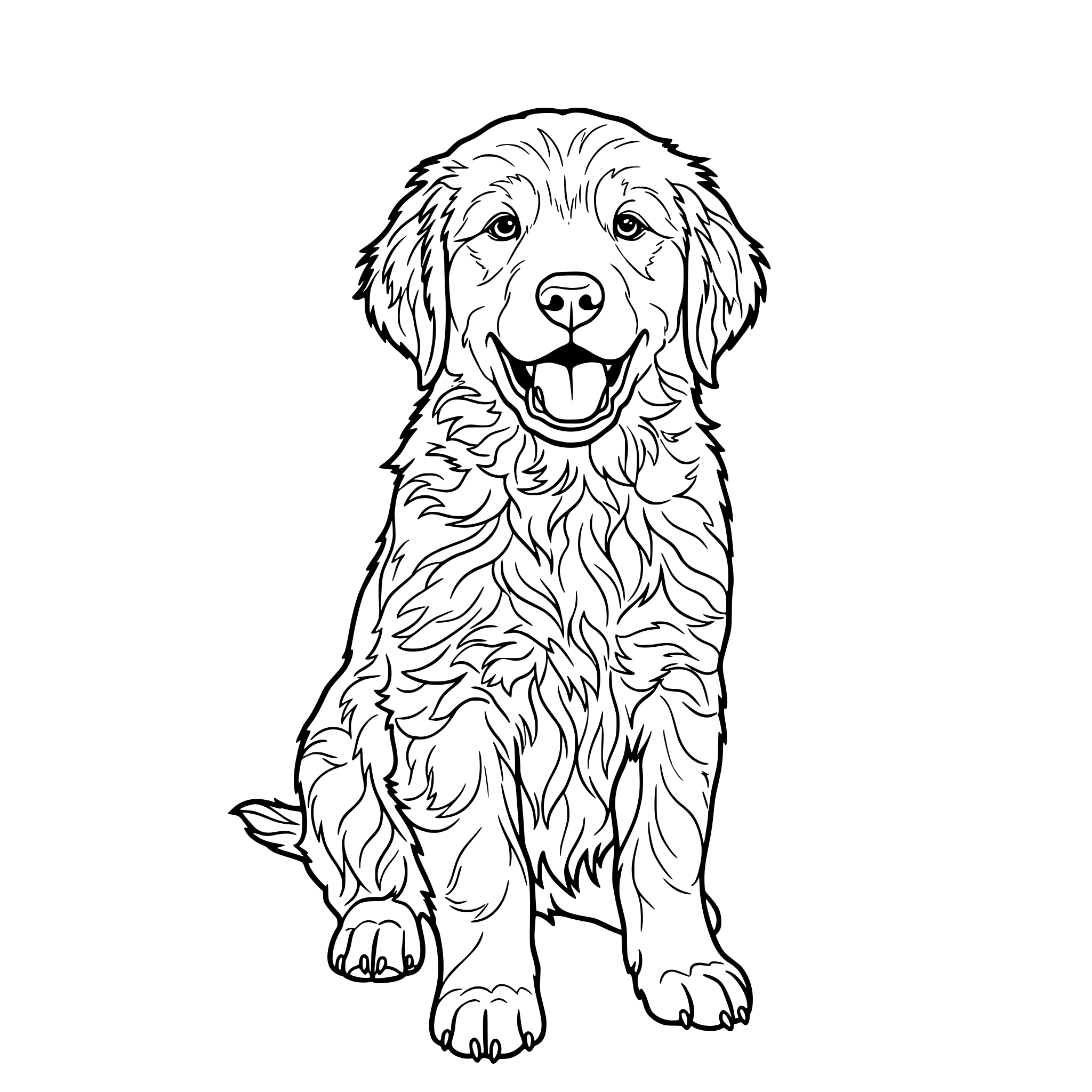
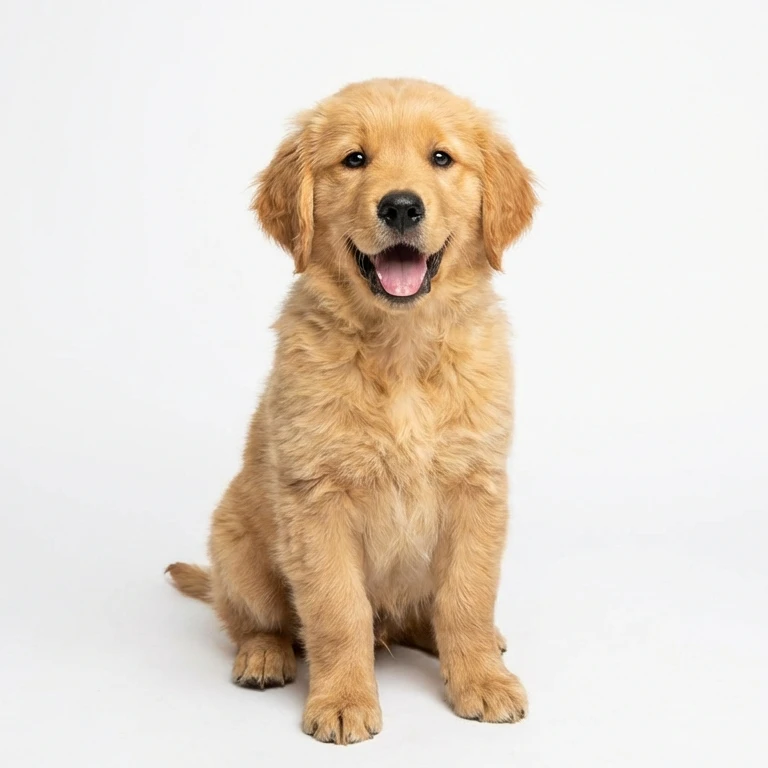
Ready to vectorize?
Drag and drop your JPG, PNG, or WebP file here. Max size 20MB.
to unlock all features
What Crafters Make With It
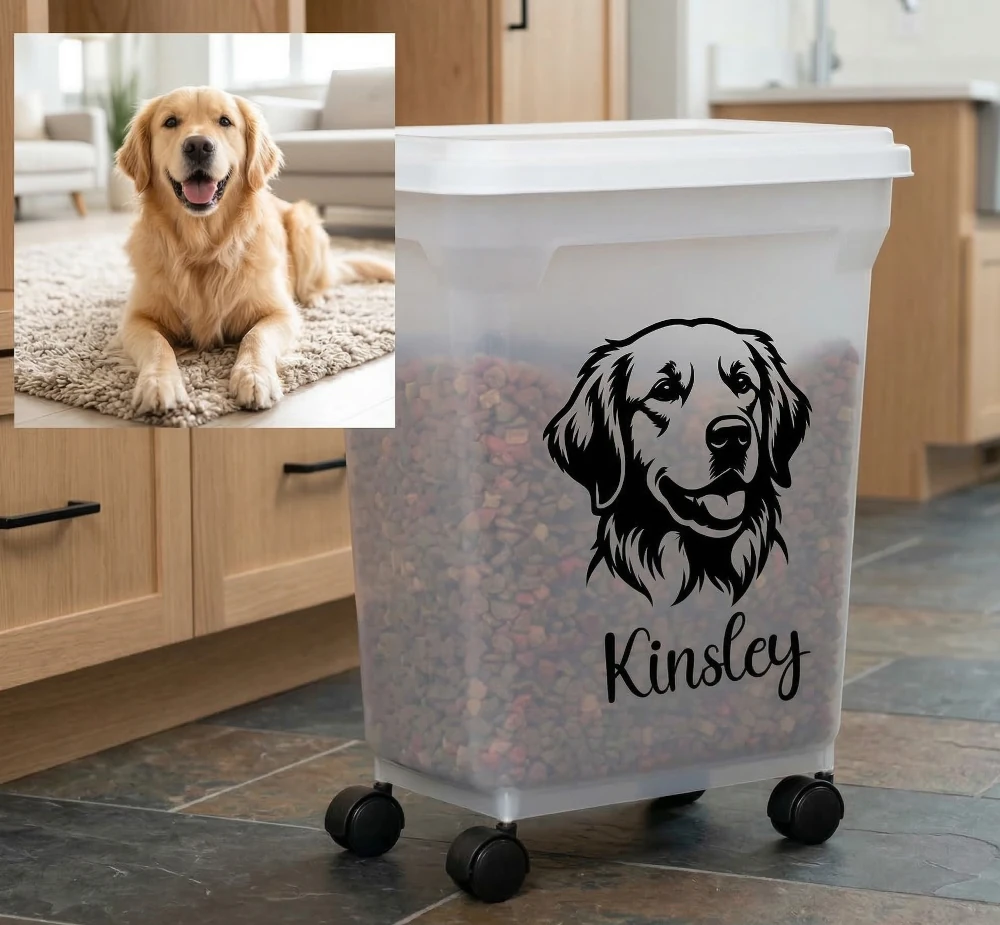
Pet Memorial Decals
Turn a photo of your dog or cat into a clean silhouette SVG for car window decals, tumblers, or ornaments.
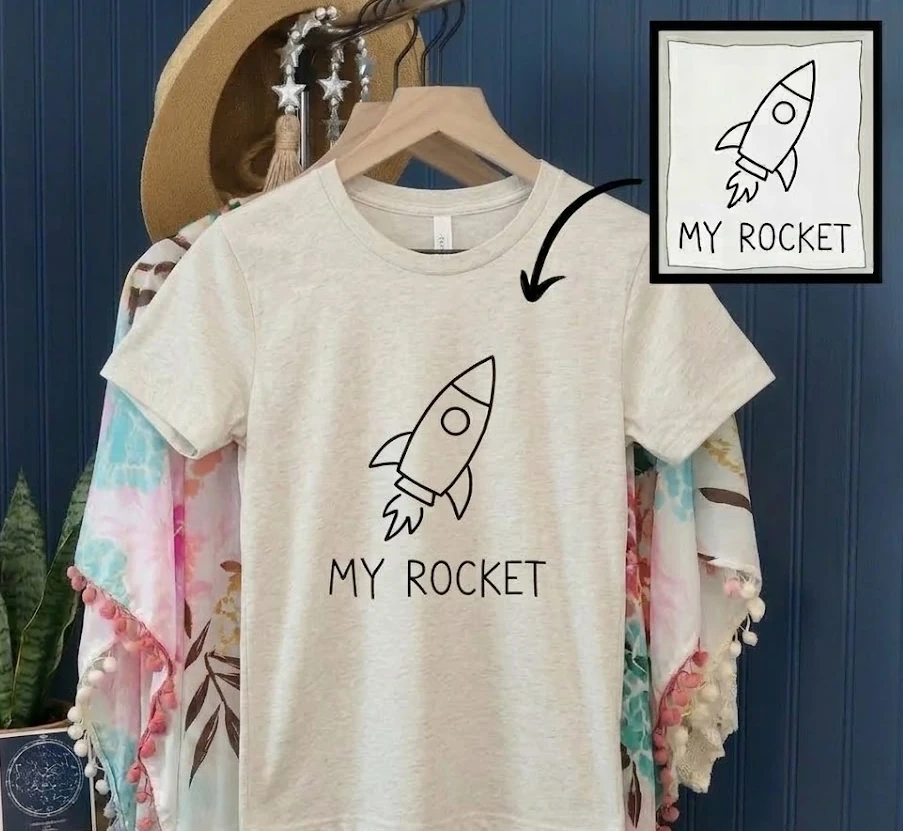
Kids' Artwork on Shirts
Convert your child's crayon drawing into a vector for iron-on HTV t-shirts, mugs, or tote bags.
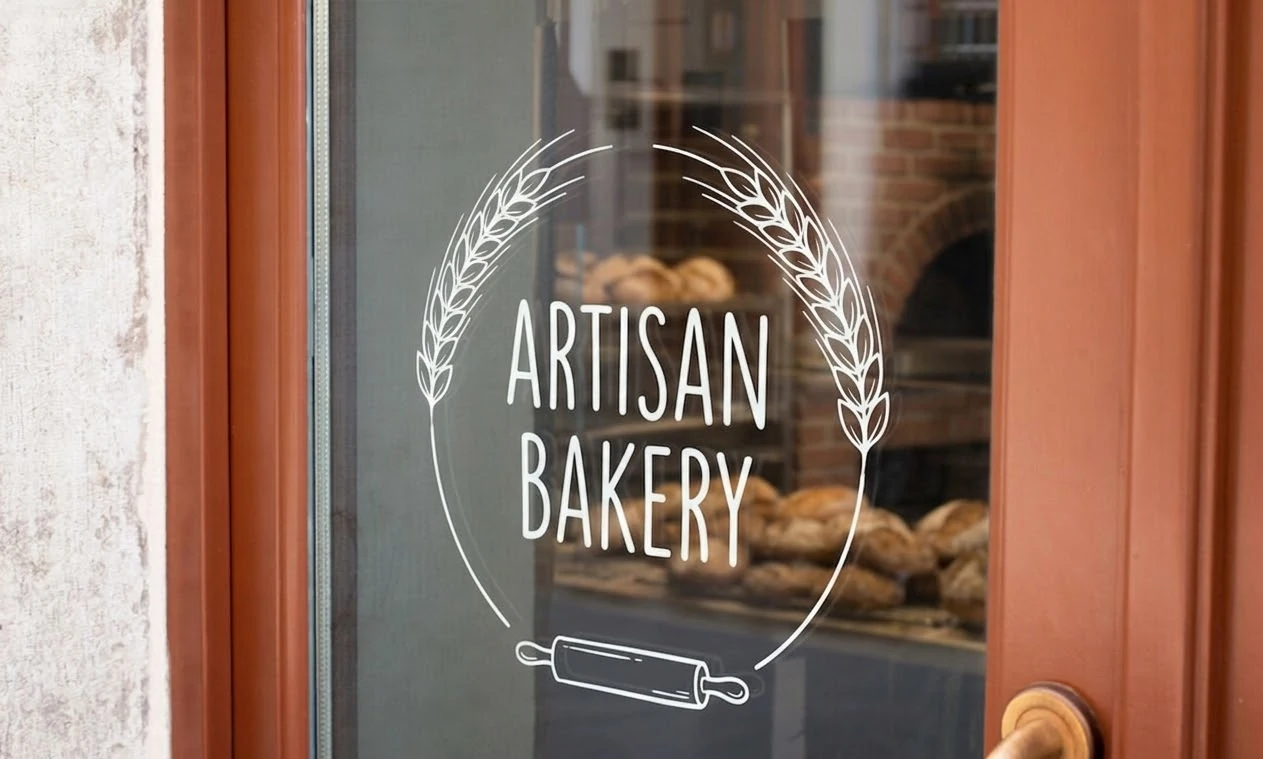
Business Logo Stickers
Turn a hand-sketched or low-res logo into a clean cut file for product labels, packaging, and branded merch.
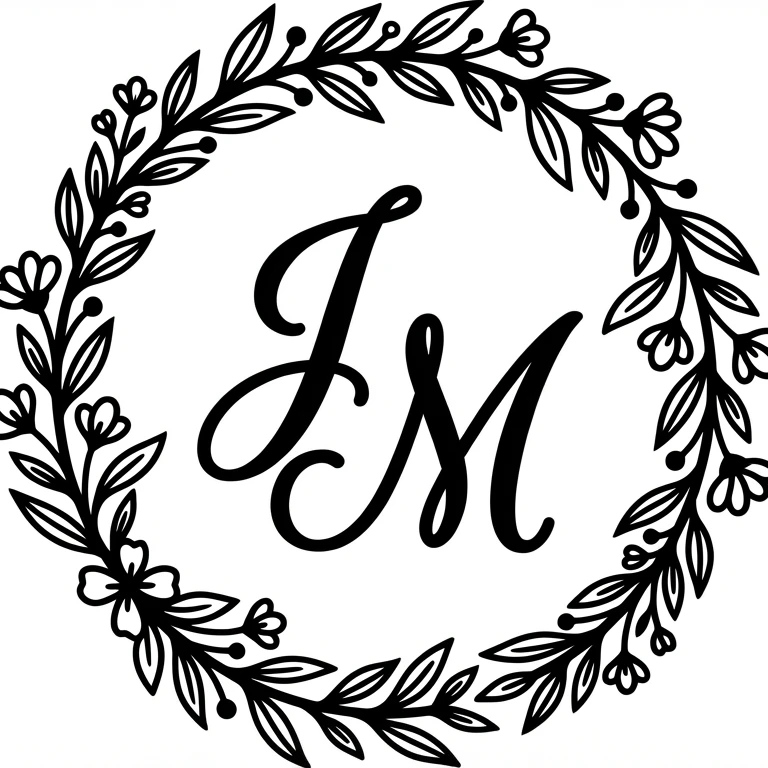
Wedding & Event Decor
Create monograms, wreath frames, and custom signage SVGs for weddings, baby showers, and parties.
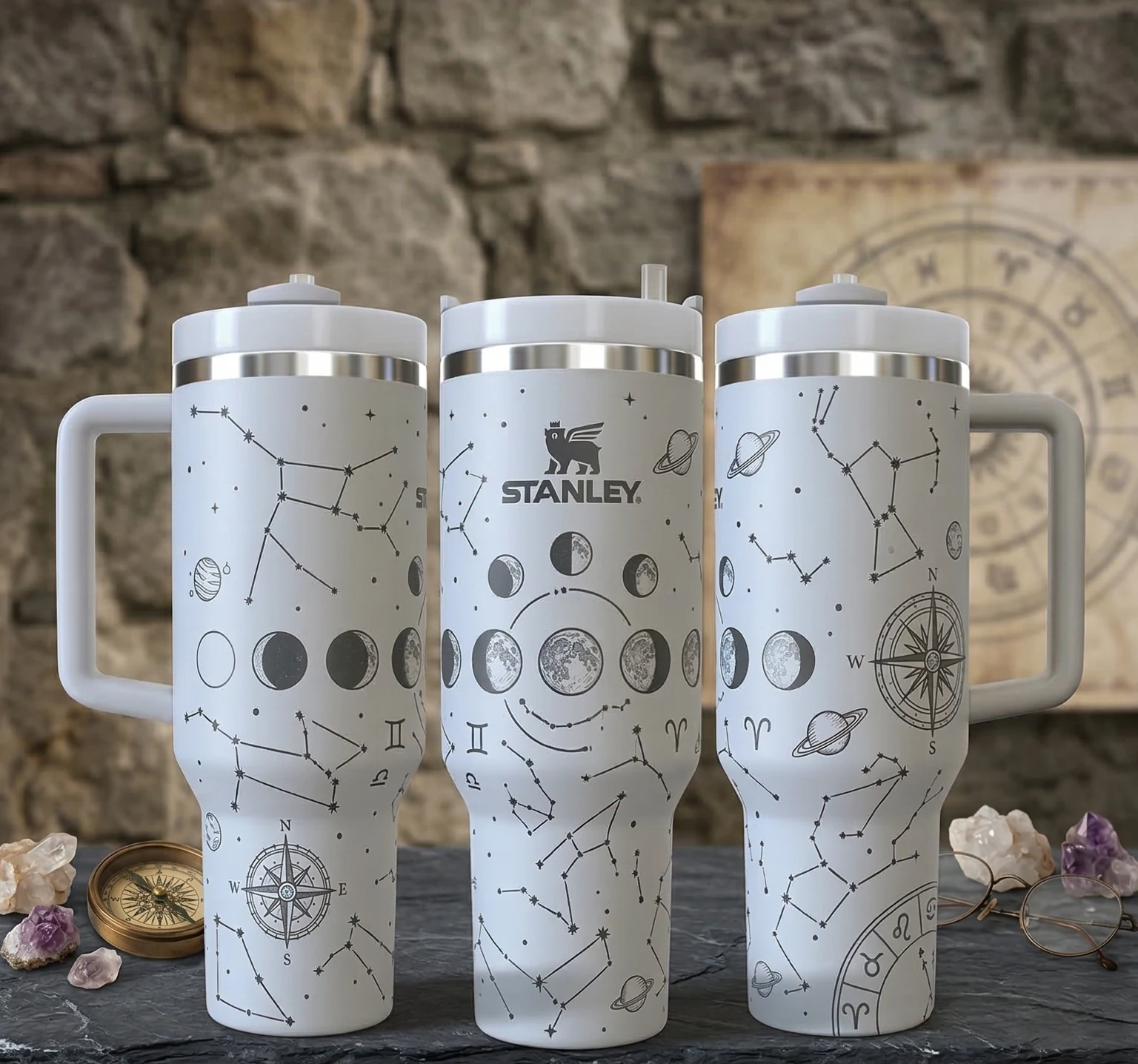
Vinyl Decals & Stickers
Make weed-friendly SVGs for permanent vinyl on tumblers, removable vinyl on walls, or Print Then Cut sticker sheets.
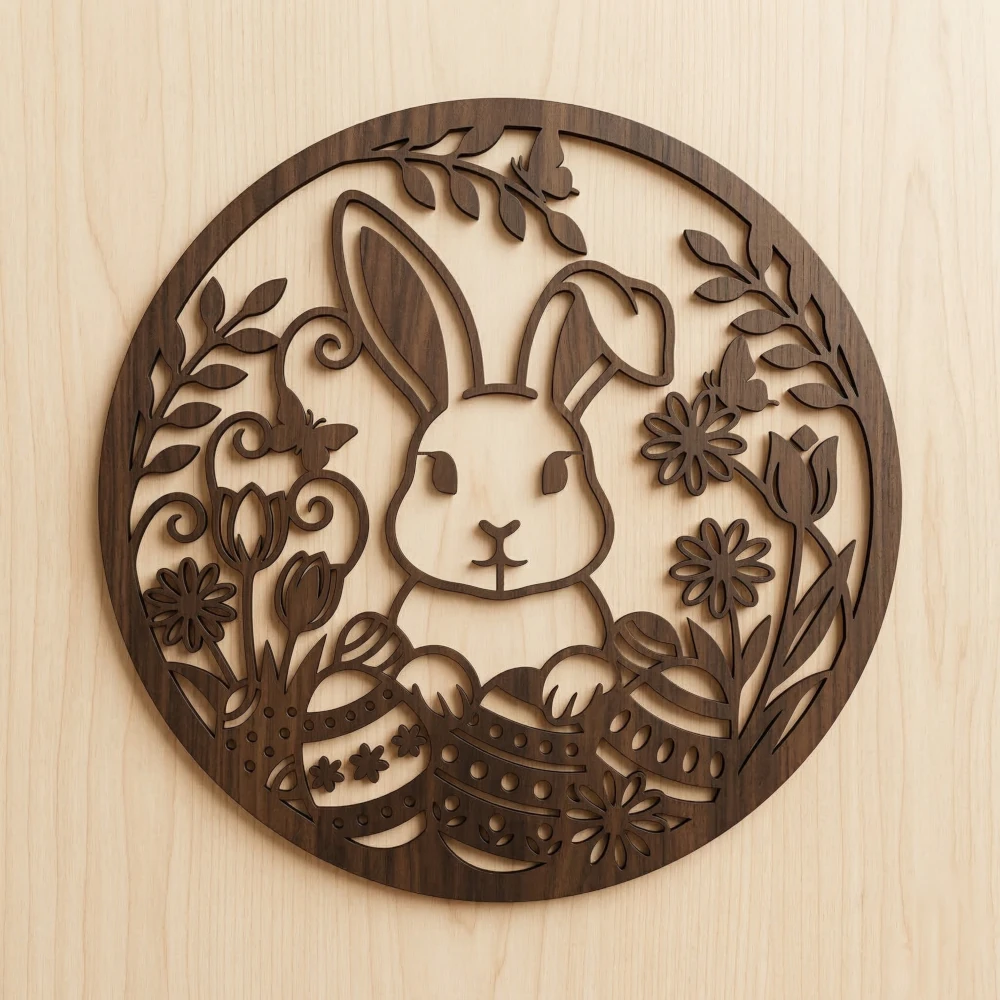
Seasonal Projects
Convert holiday images into cut files for Christmas ornaments, Halloween decorations, or Easter crafts.
Skip the Multi-Step Workflow
- Remove background in remove.bg
- Adjust contrast, posterize, desaturate
- Import to Inkscape, run Trace Bitmap
- Clean up nodes, delete fragments
- Export as plain SVG
- Upload to Design Space, test cut, fix
- Upload photo
- Download cut-ready SVG
What Creators Say
"I make pet memorial tumblers. I used to spend 30 minutes per photo in Inkscape cleaning up traces. Now I upload the customer's photo and have a cut-ready SVG before my vinyl is loaded."

Lisa Johnson
Custom Tumbler Shop Owner
"My customers send me blurry phone photos of logos and expect clean decals. This is the only tool that gives me something I can actually cut without redrawing the whole thing."

Marcus Williams
Small Business, Vinyl Decals
"I turned my daughter's crayon drawings into iron-on shirts and the listing went viral. The text-to-SVG is great for seasonal designs too. I listed 15 new Christmas SVGs in one afternoon."

Jen Park
Etsy Seller, 400+ Sales
Or Just Describe What You Need
Type a description and get a ready-to-use SVG. No image upload needed.
Frequently Asked Questions
Will the SVG work with my Cricut or Silhouette?
Can I convert a photo of my pet or kid's drawing?
How is this different from Inkscape or Design Space trace?
Will the SVG be clean enough to weed?
What about "free SVG converters" like Convertio?
Can I use these SVGs in my Etsy shop?
Does it work with Silhouette Studio too?
What image formats can I upload?
Pricing for Every Workflow
Transparent, simple, and scaled to your needs.
Credit Packs
No subscription required. Credits never expire.
Starter
1,000 credits
Growth
4,000 credits
Professional
12,000 credits
Max
25,000 credits
Subscriptions
Best value for regular use. Credits renew every month.
Free
Perfect for getting started with small projects
- 100 credits on sign-up
- Normal & High quality
- Priority Processing
Basic
500 credits/month
$44.10/yr
- 500 credits/month
- Normal & High quality
- Standard SVG Export
- Priority Queue Processing
Standard
1,850 credits/month
$89.10/yr
- 1,850 credits/month
- Normal & High quality
- Full Editor Suite
- Priority Queue Processing
Pro
12,900 credits/month
$404.10/yr
- 12,900 credits/month
- Normal & High quality
- Full Editor Suite
- Priority support
Cut Something Today
Upload a photo, get a cut-ready SVG. 100 free credits, no credit card.